
Interface reference
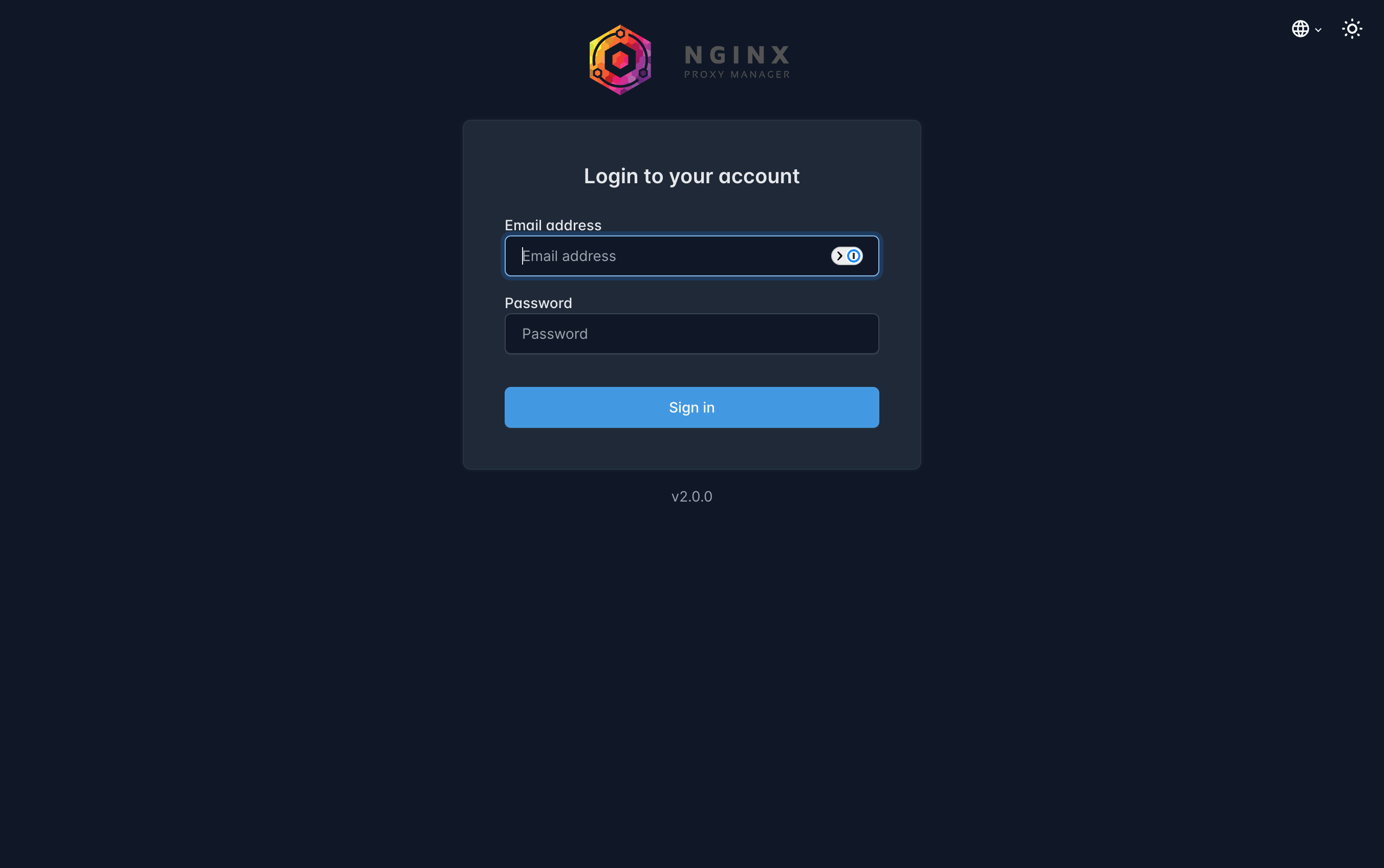
Official Nginx Proxy Manager login reference
Official dark-mode login screen from the Nginx Proxy Manager documentation. It is included to identify the product interface and is not presented as private deployment evidence.
What it is
Nginx Proxy Manager packages Nginx, certificate management and a web interface into a Docker deployment. It can terminate HTTPS, route hostnames to internal services and apply access controls without editing every Nginx configuration file by hand.
Why I use it
I use it for selected services where a conventional reverse proxy is appropriate. It provides a useful contrast with Pangolin: Nginx Proxy Manager is a direct reverse-proxy model, while Pangolin uses connector-based publishing. Comparing both teaches me where each design fits.
Security approach
- Publish only services intended for external access
- Keep admin interfaces private or behind VPN
- Use trusted certificates and automated renewal
- Set correct upstream headers and WebSocket support
- Review access logs and failed requests
- Back up proxy configuration and certificate state
Docker Compose example
docker-compose.yml
services:
  npm:
    image: jc21/nginx-proxy-manager:2.15.1
    container_name: nginx-proxy-manager
    restart: unless-stopped
    ports:
      - "80:80"
      - "81:81"
      - "443:443"
    volumes:
      - ./data:/data
      - ./letsencrypt:/etc/letsencrypt